One of the questions we hear most from boat owners and anglers: “Is a fish finder the same thing as sonar?”
The short answer: a fish finder is a device that uses sonar technology. Sonar is the general name for the technology that sends sound waves underwater and uses the returning echo to tell us about depth, fish and objects on the bottom. So one is the technology, the other is the tool that uses it. But when it comes to actually buying a unit, there is a lot more to it than that definition. In this article we explain the difference, the types of sonar, and what to look for when choosing a fish finder.
1. What is sonar?
Sonar measures how sound waves sent into the water come back. The sound hits an object or the seabed and bounces back. By looking at how long the echo takes and how strong it is, the device works out what is down there and how deep.
This technology isn’t only used for fishing. Ships use sonar for depth measurement, seabed mapping, underwater research and wreck searches. The fish finder is the member of this big family that has been tuned for fishing.
2. What is a fish finder?
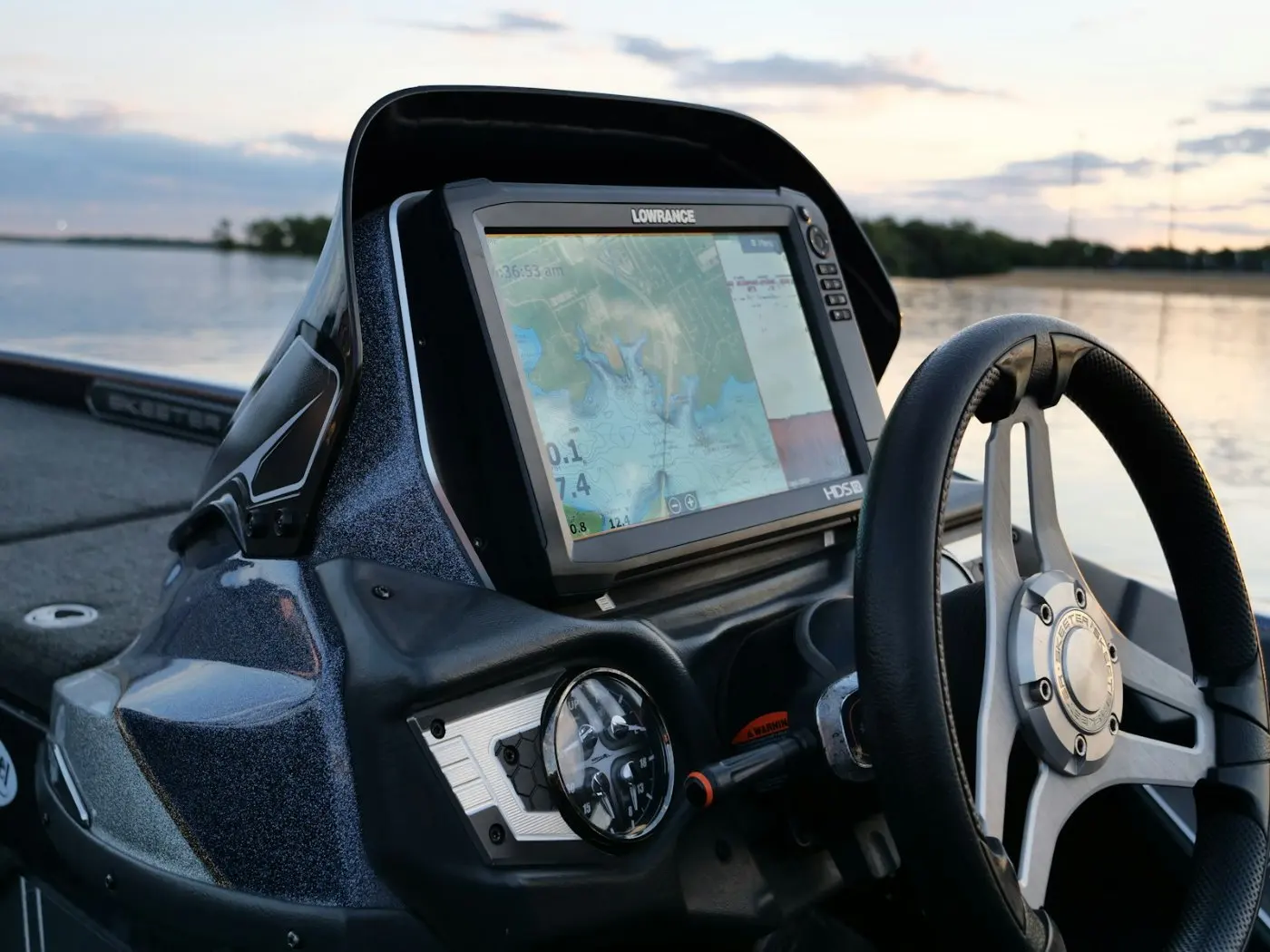
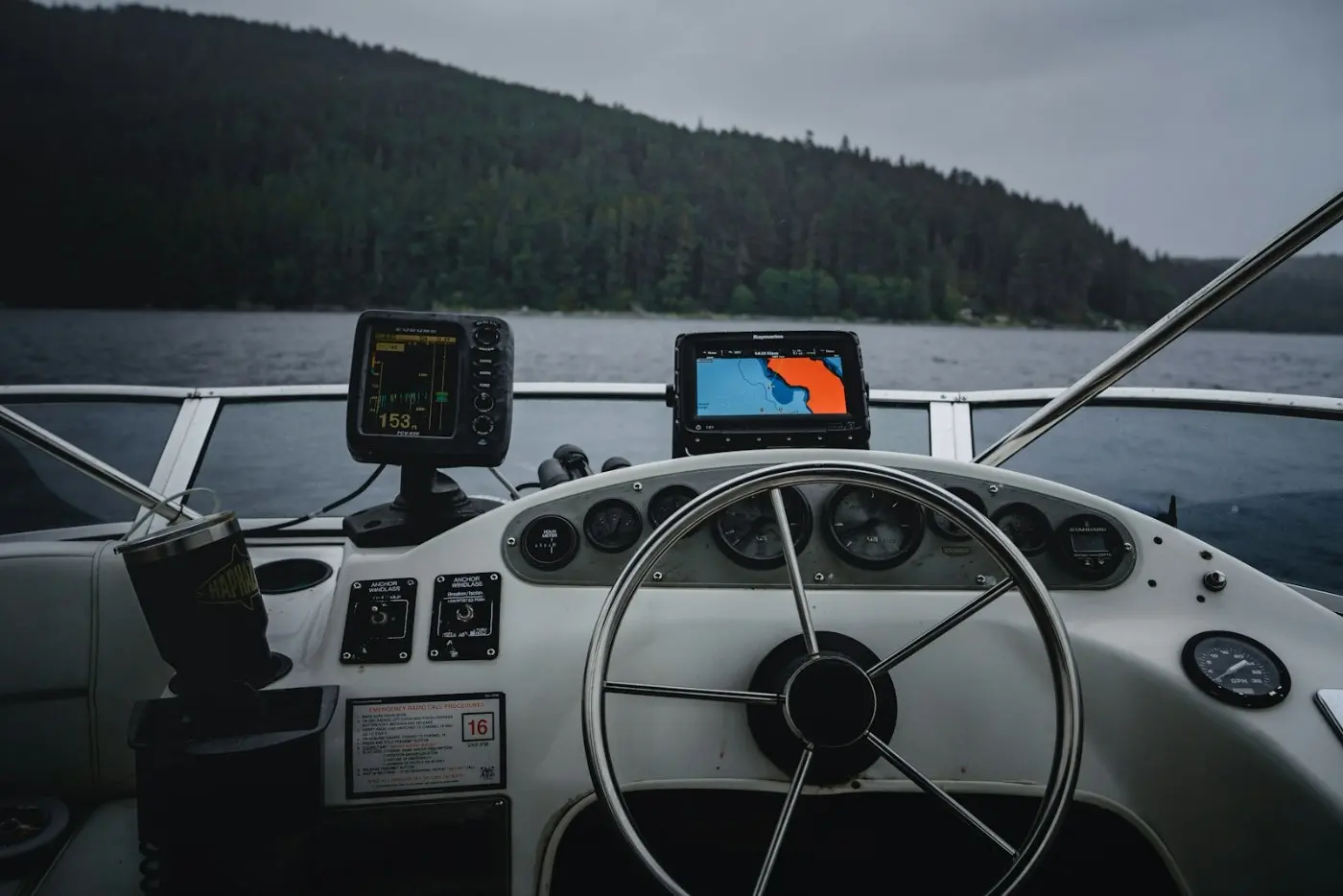
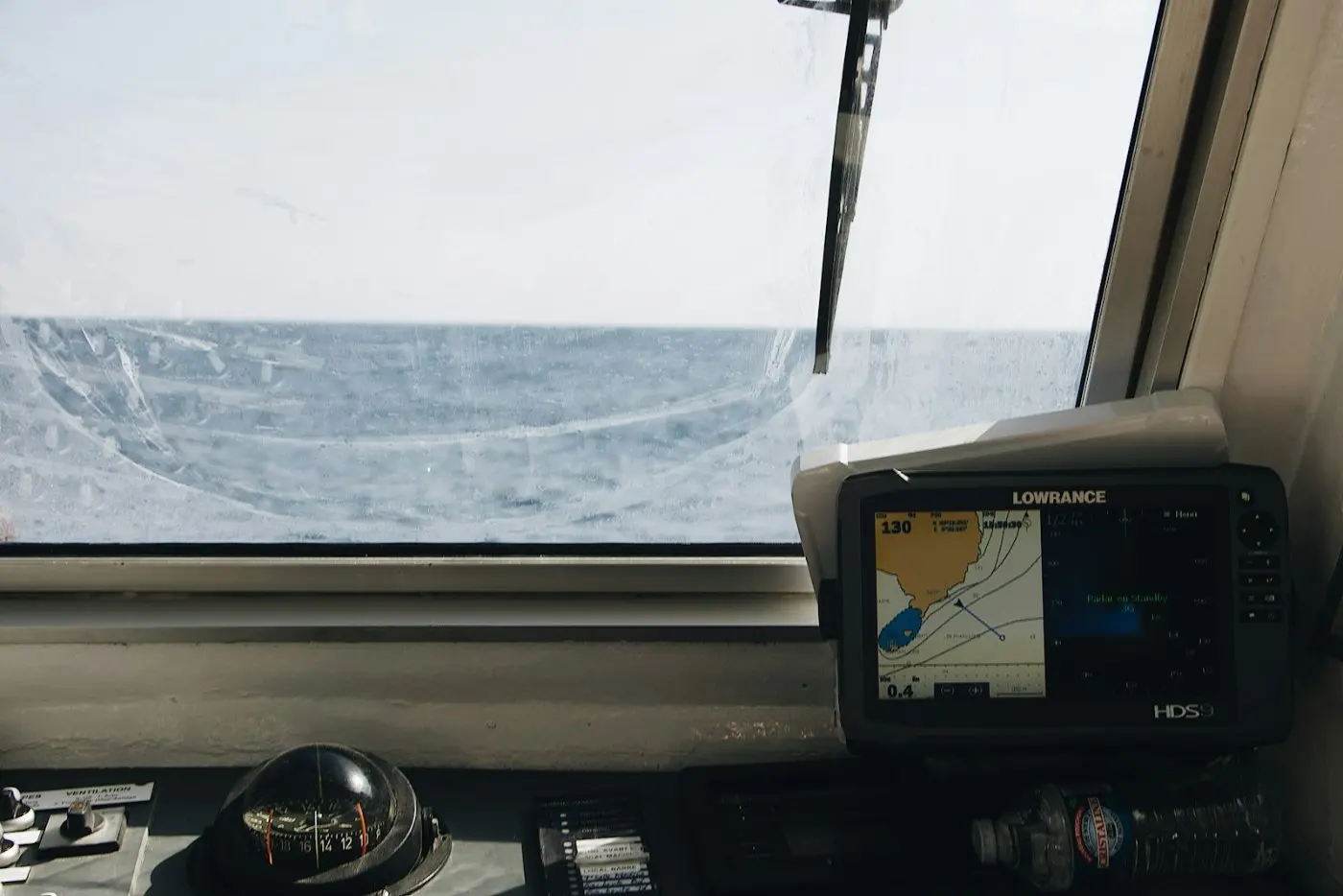
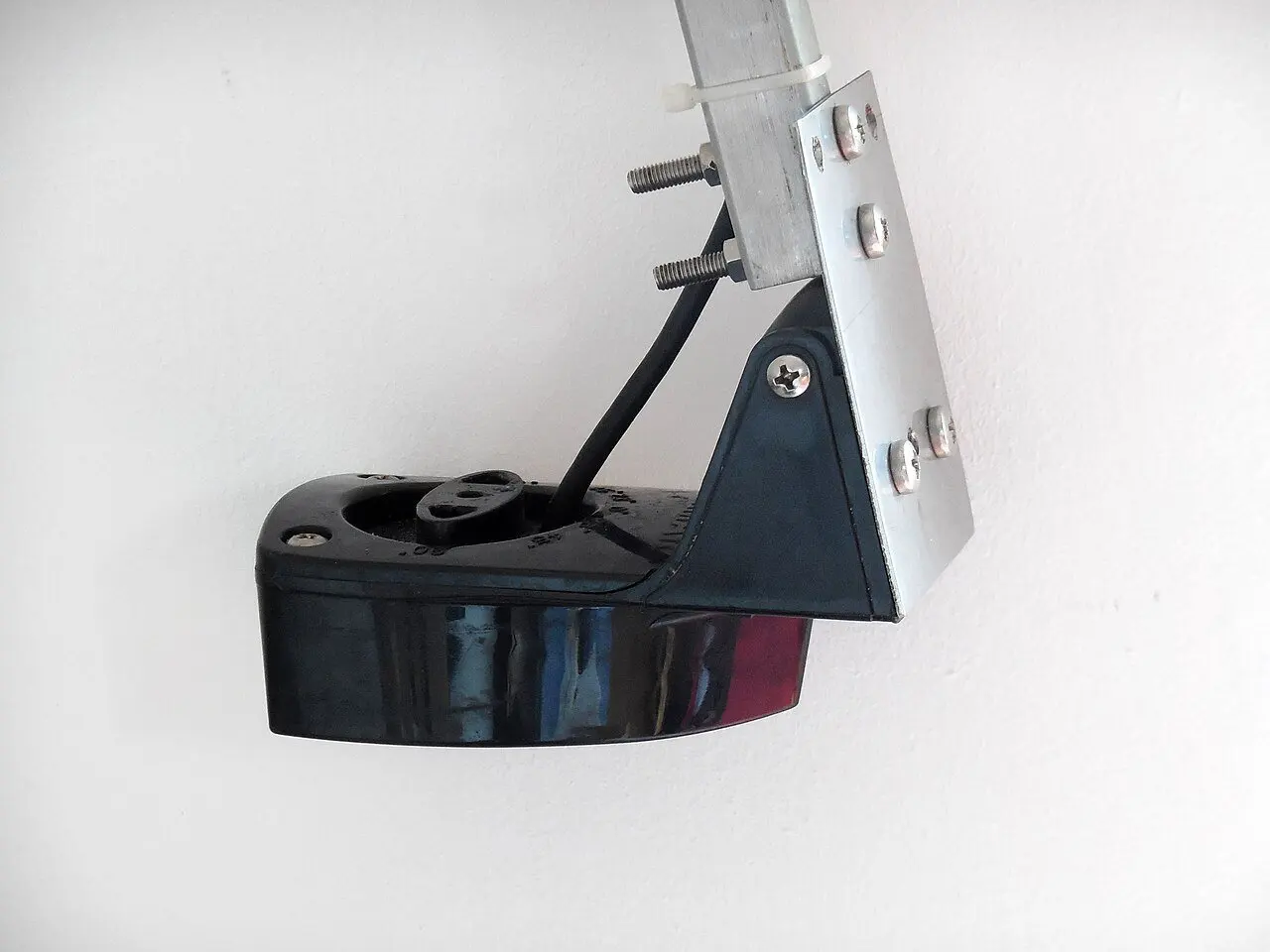
A fish finder is a device that uses sonar technology for fishing. It has two main parts: the screen and the transducer. The transducer is the part mounted under the boat or on the transom; it sends sound waves into the water and picks up the echo. The screen turns that echo into an image.
On the screen you can see:
- Fish and schools of fish
- Water depth
- The structure of the seabed (sand, mud, rock)
- Underwater objects such as rocks, wrecks and weed
There is one important thing to know here: a fish finder doesn’t see fish like a camera. What you see on the screen is an interpretation of the echo created by the sound wave. That’s why learning to read the screen matters as much as the device itself.
3. The key difference between a fish finder and sonar
Put simply:
- Sonar = the technology
- Fish finder = the device that uses sonar technology
In the market the two words are often used to mean the same thing. Whether a seller says “sonar” or “fish finder”, they usually mean the same device. The real difference lies in which types of sonar the unit supports. So instead of asking “fish finder or sonar?”, the better question is “will this unit’s sonar actually work for me?”
4. Types of sonar: 2D, CHIRP, down imaging, side imaging and live sonar
These are the main sonar types you’ll come across in units sold today:
Traditional 2D sonar: The most basic system. It sends sound in a cone shape under the boat. On screen, fish appear as arches or blobs and the bottom as a thick line. It usually works on two frequencies. Low frequency covers a wider area and goes deeper. High frequency looks at a narrower area but shows more detail.
CHIRP sonar: Classic sonar sends its signal on a single frequency. CHIRP sweeps a range of frequencies in every pulse. What that means on the water: fish swimming close together show up separately instead of as one blob, and a fish holding tight to the bottom is easier to tell apart from the bottom. Today CHIRP is standard on most mid-range units.
Down imaging: Using a very high frequency, it scans a thin strip directly under the boat. It gives an almost photo-like picture of the bottom. You can clearly see rocks, wrecks and weed beds. It works very well in shallow and medium depths.
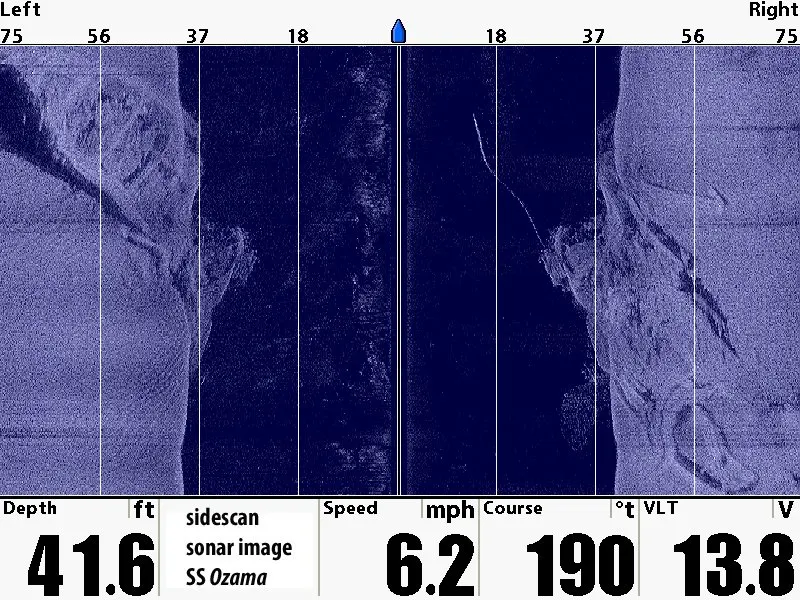
Side imaging: It scans out to the left and right of the boat. It’s used to find bottom structure, reefs and places where fish may gather over a wide area. It works best at slow speed. Rather than showing the fish, it answers the question “where might the fish be?”
Live sonar: The most talked-about technology of recent years. Systems like Garmin LiveScope, Lowrance ActiveTarget and Humminbird MEGA Live show the area in front of or below the boat in real time. You can watch the fish move and see how it reacts to your bait, live on screen. It costs considerably more than the other systems and the installation is more specialised.
5. What to look for when choosing a fish finder
Most people look at screen size first when buying a unit. The screen matters, but on its own it doesn’t tell you much. Look at these too:
Where do you fish? If you fish in deep water, you need a unit with strong low-frequency performance and a suitable transducer. Close to shore and in shallow water, down imaging and side imaging are far more useful.
Transducer: The transducer is the eye of the device. The same screen can perform very differently with a different transducer. When buying, make sure it is compatible with the unit and that you know how it will be mounted on your boat. There are transom-mount, through-hull and in-hull models. Not every boat suits every type of mounting.
CHIRP support: For any unit you buy today, we recommend CHIRP. The difference is clearly visible on screen.
Chartplotter feature: Many units combine a fish finder with a GPS chart screen. It’s very handy for saving the spot where you found fish and going back to it.
Balancing budget and needs: Not every angler needs live sonar. For someone who fishes at the weekend, a good CHIRP + down imaging unit is usually more than enough.
6. Reading the screen: why do fish show up as arches?
This is where beginners get stuck the most. On a classic 2D screen, a fish usually appears as an upside-down “U”, an arch. Here’s why: as the boat moves forward, the fish first enters the edge of the sonar cone, then passes through the middle, then leaves from the other edge. The distance to the fish first gets shorter, then longer, and that draws an arch on the screen.
When the boat is stationary, or when the fish swims in the same direction as the boat, no arch forms and you see a straight line instead. So a straight line doesn’t always mean “no fish”.
The thickness of the bottom line tells you something too. A hard bottom (rock, stone) reflects sound strongly, so the bottom line looks thick and bright. Mud and soft bottoms look thinner and fainter.
7. Common mistakes
- Mounting the transducer in the wrong place: A transducer mounted close to the propeller or in turbulent water loses its reading when under way. Air bubbles ruin the picture.
- Buying a big screen and saving on the transducer: Cutting corners on the part that actually determines image quality wastes the unit’s potential.
- Expecting fish marks from side imaging: Side scanning shows structure. To see fish, you need to look at the 2D/CHIRP screen.
- Leaving everything on auto: Playing a little with the sensitivity (gain) and range settings changes the picture on the screen dramatically.
8. Frequently asked questions
Is a fish finder the same as sonar?
No. Sonar is the technology; a fish finder is the device that uses this technology for fishing. Even though the two are used to mean the same thing in everyday speech, this is the correct distinction.
What is CHIRP, and do I need it?
CHIRP is a type of sonar that sweeps a range of frequencies instead of a single one. It separates fish from each other and from the bottom more clearly. If you’re buying a unit today, we recommend one with CHIRP.
Side imaging or down imaging?
Down imaging scans directly under the boat; side imaging scans to both sides. Both are useful for finding structure in shallow and medium depths. In very deep water, the classic 2D/CHIRP view is more decisive.
How deep can a fish finder see?
It depends on the unit, the transducer and the frequency. Low frequency goes deeper. If you fish in deep water, always check the depth ratings of both the unit and the transducer.
Note: Follow the manufacturer’s manual when installing the unit and mounting the transducer. If a mounting requires drilling through the hull and you aren’t sure, leave the job to an experienced technician.
Follow Mavi Rota Marine to get to know marine electronics and boat technology more closely.